Free forever · Open source · macOS & Windows

Record it once.
Cut it by reading it.

A voiceover studio that treats your transcript as the edit. Delete a line of text and that audio is gone from the export — no waveform surgery, nothing destroyed, everything reversible.
No account No subscription No telemetry Works offline
Evoxx Studio
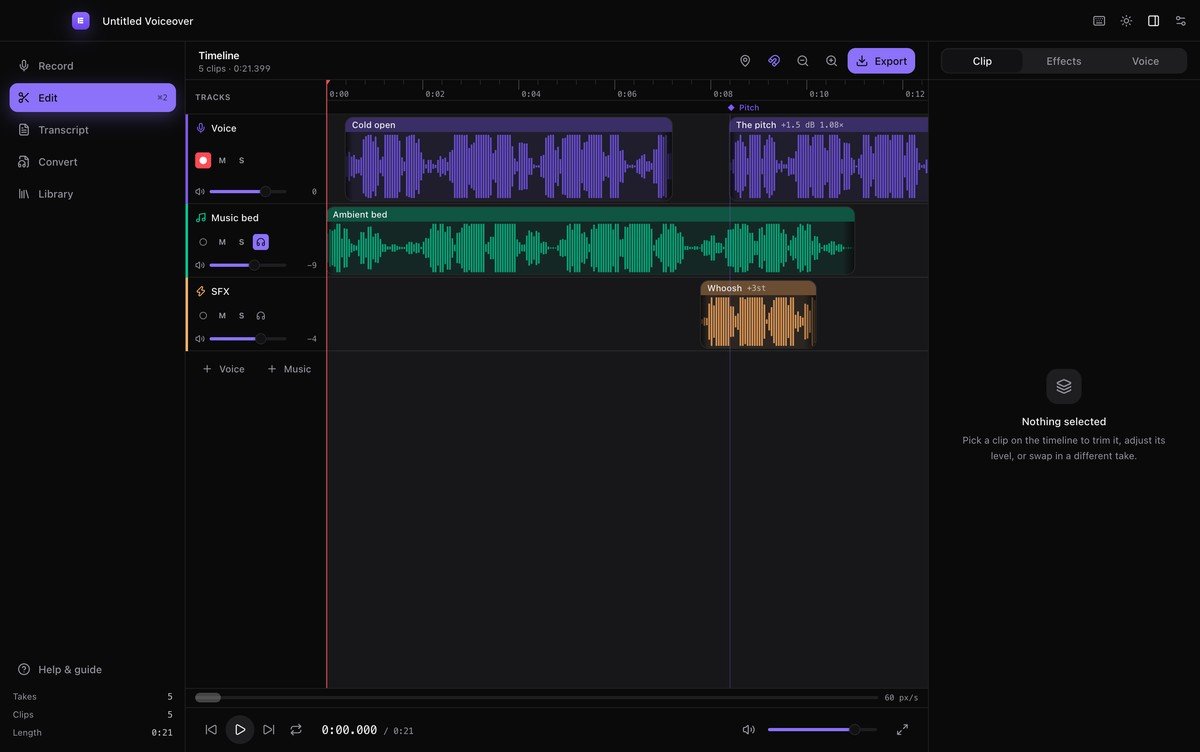
The Evoxx timeline with three tracks: voice, music bed and SFX
The workflow

Five screens, one straight line

Record against your video, arrange it, cut it by text, convert what you need, and keep every take you have ever captured.

Record
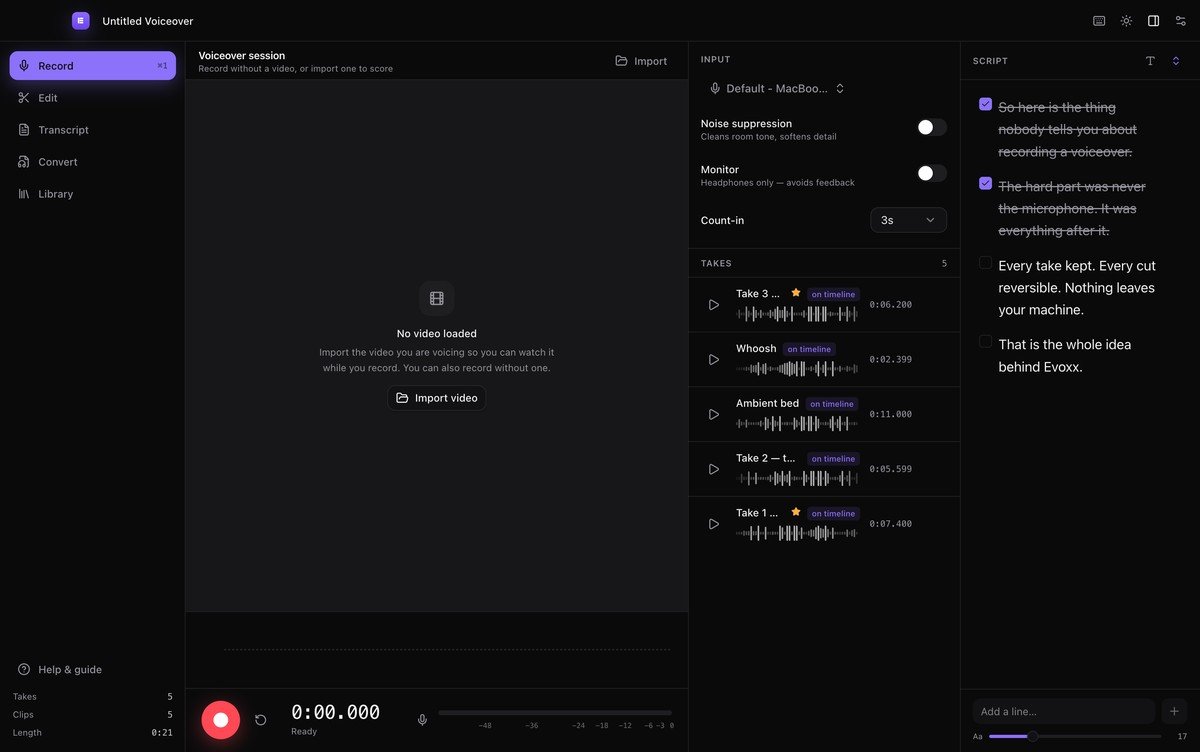
The record view with live metering and teleprompter
Edit
The multi-track timeline
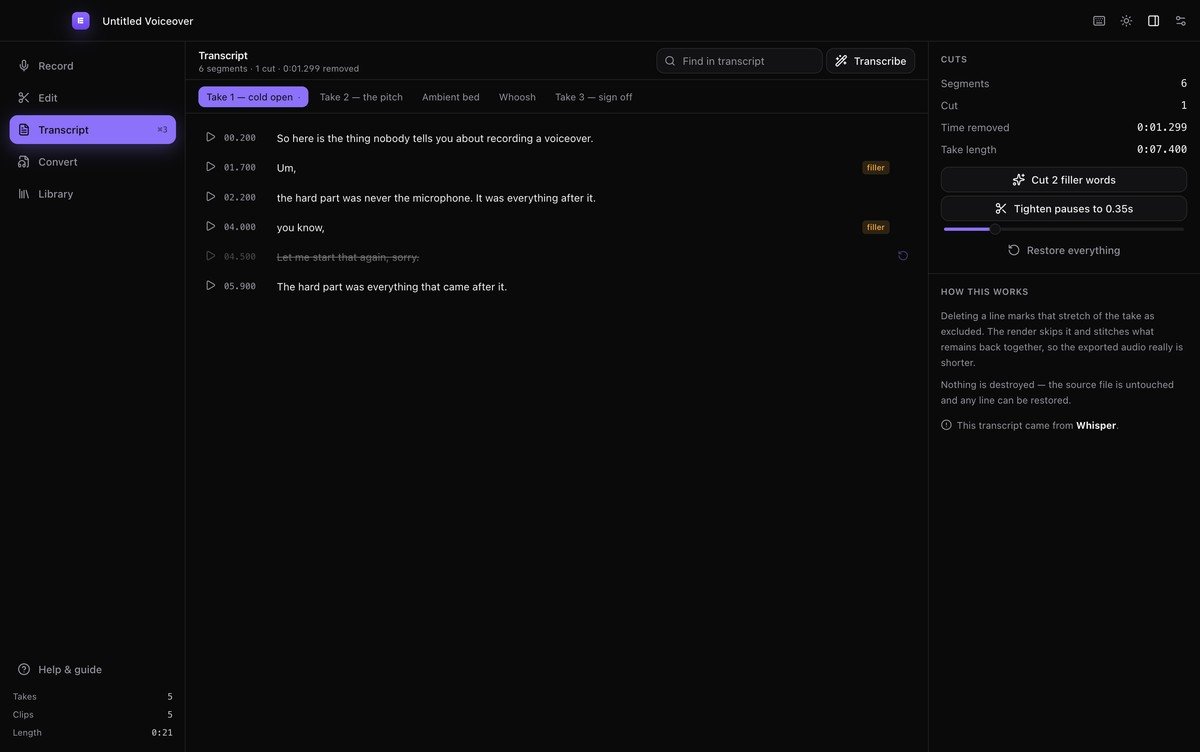
Transcript
The transcript editor with filler words flagged
Convert
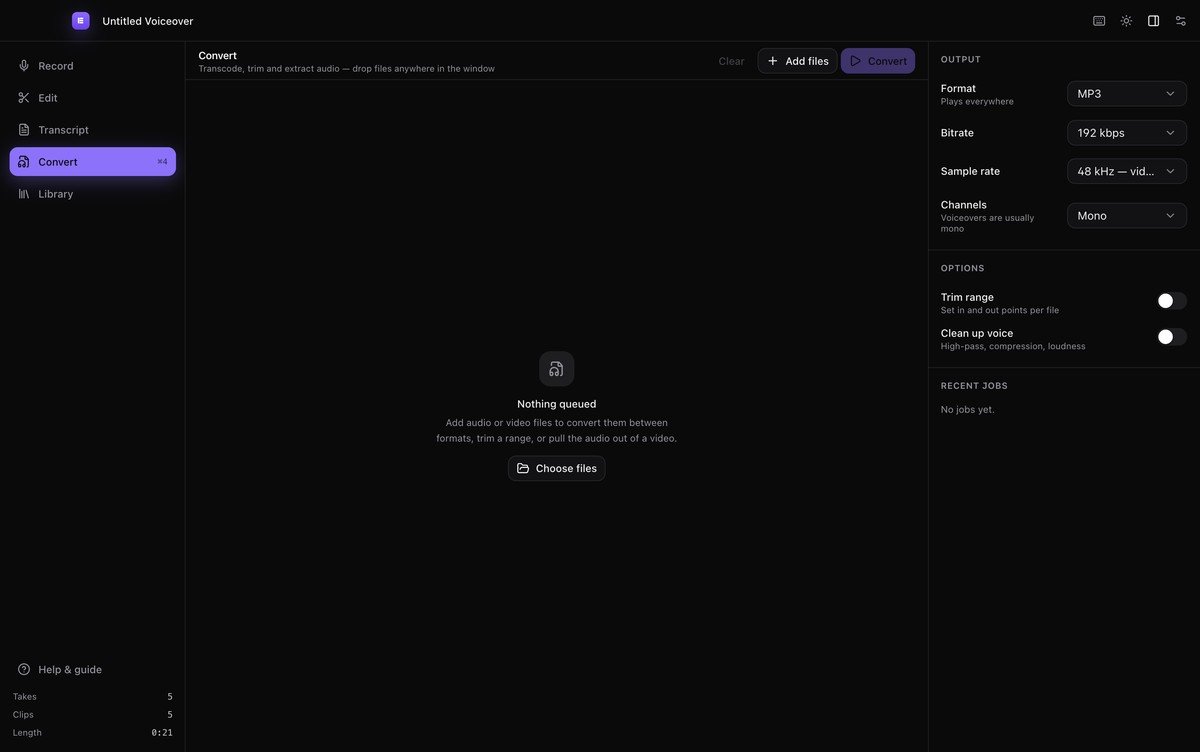
The batch conversion queue
Library
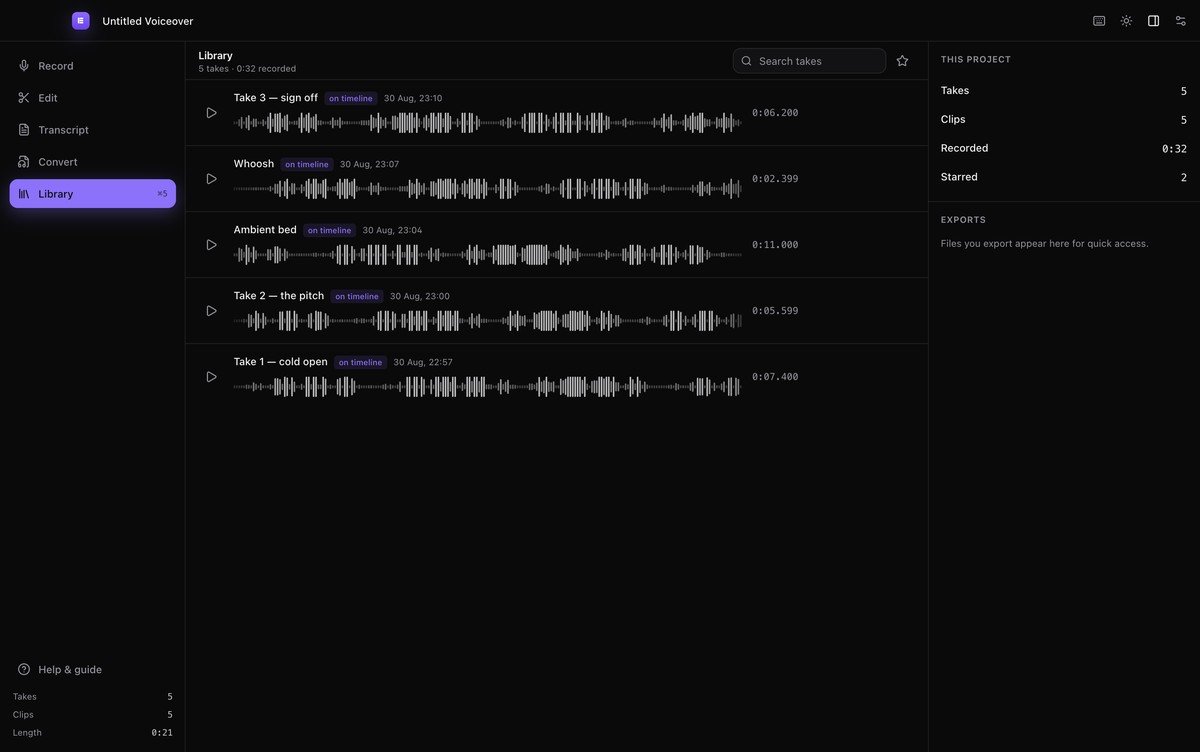
The take library
The idea

Delete the words. The audio goes with them.

Every stumble, every "um", every false start is a line you can strike out. The render skips what you removed and stitches the rest together, so the file genuinely gets shorter. Your recording is never modified.

So here is the thing nobody tells you about recording a voiceover.
Um,filler
the hard part was never the microphone.
you know,filler
Let me start that again, sorry.
It was everything that came after it.
Length
0:07.40
Removed
0:00.00
Lines cut
0
Transcript
The transcript view in Evoxx, showing filler words flagged and a struck-through cut line
What is in it

A studio, not a recorder

Everything a voiceover actually needs between the microphone and the delivered file — and nothing that phones home.

Getting started

From empty project to finished file

The whole path is six steps. The app ships the same guide inside it — press ⌘/ any time.

Automation

Drive it from a terminal.
Or let Claude do it.

Every editing operation the app can perform, the evoxx CLI can perform headlessly on a project file. JSON in, JSON out.

A Claude Code skill ships in the repo, so you can simply ask: "transcribe the narration, cut the filler words and render an MP3" — and it will read the project, make the edits and hand you the file.

Read the docs
zsh — evoxx
0Audio effects
0Export formats
0Tracks & takes
0Free, forever
0Bytes sent anywhere
Questions

The things people ask

Short answers. The full guide lives inside the app.

Free and open source

Get Evoxx Studio

macOS 11 and later, Windows 10 and later. FFmpeg is bundled, so there is nothing else to install. No account, no key, no catch.

Both builds are unsigned, so the first launch needs one extra step — on macOS right-click the app and choose Open; on Windows pick More info then Run anyway.

SHA-256 checksums · or build it yourself with npm install && npm run build:mac